Simulate Chrome, Safari, Firefox & Edge profiles locally on Chromium.
Choose your target browser family and release version inside TheGeoBrowser. All sessions execute locally on your installed Chromium-based browser (Chrome, Edge, Brave, or Chromium)—emulating Firefox and Apple Safari headers/APIs without launching native Gecko or WebKit engines.
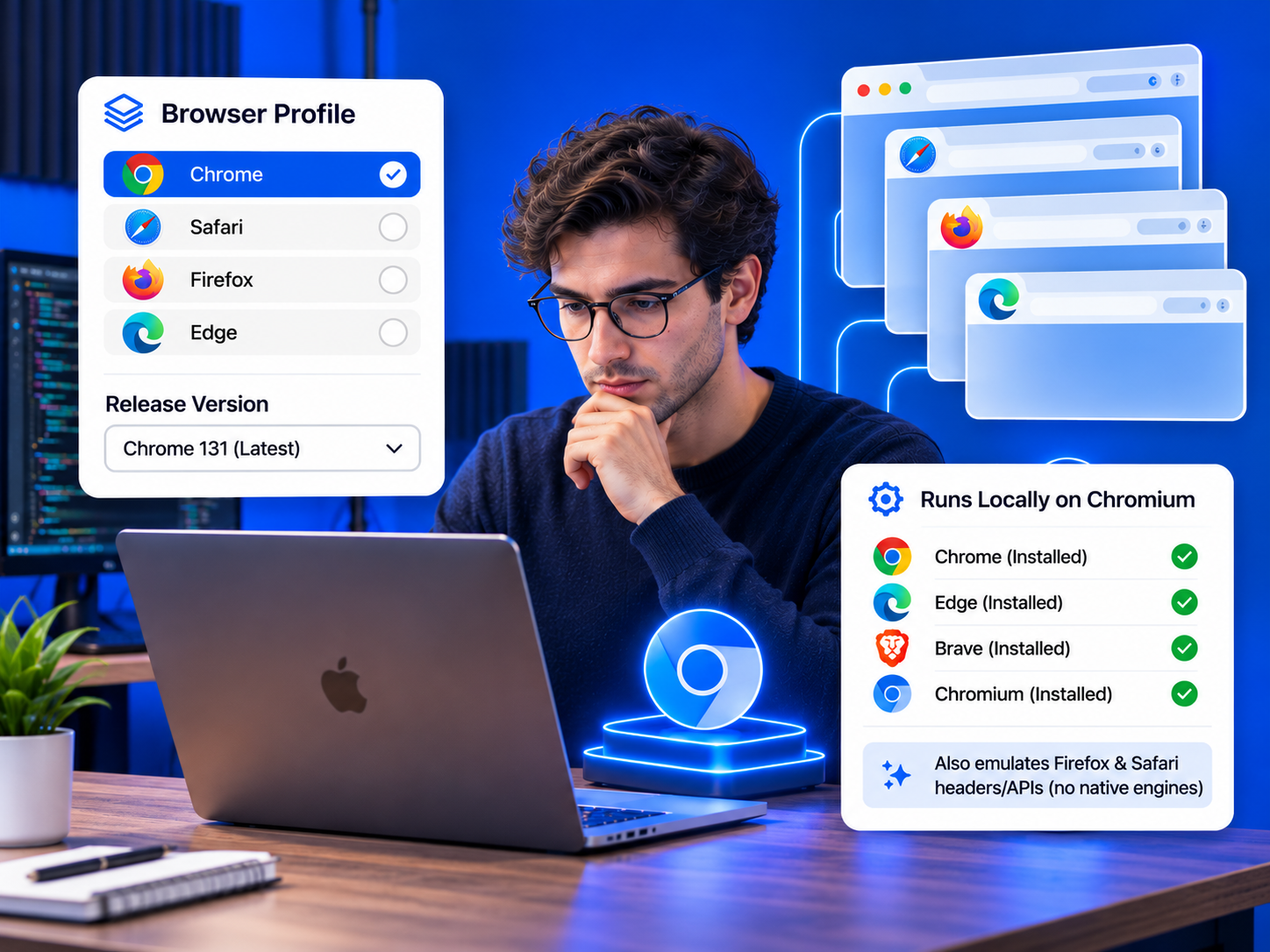
How Browser & Version Control Works in TheGeoBrowser.
Auto-Discovers Installed Chromium Binaries
The Desktop App detects locally installed Chrome, Edge, Brave, or Chromium executables on your workstation—zero multi-GB remote browser downloads required.
Transparent Non-Chromium Emulation
When Mozilla Firefox or Apple Safari profiles are chosen, Chromium Client Hints (Sec-CH-UA) and window.chrome globals are suppressed while User-Agent, WebGL, and locale align to the target profile (rendered by Chromium, not native Gecko/WebKit).
Native 60fps Debugging
Inspect Network HAR traces, Console logs, React state, and DOM breakpoints locally without remote video compression lag.
- Host Binaries Executed
- Google Chrome, Microsoft Edge, Brave, Chromium
- Emulated Profiles
- Chrome, Apple Safari, Mozilla Firefox, Edge, Opera, Brave, Tor, Arc, Vivaldi
- Non-Chromium Handling
- Chromium/Blink execution with Client Hint & window.chrome suppression
- Catalog Updates
- Live version matrix synced via /api/db/app-config
Why Teams Rely on Browser & Version Control.
Explore More Product Features
Precise City Geolocation
Drill past country-level exits to exact metropolitan cities worldwide—pairing residential ISP routing with city-accurate coordinates, timezones, and regional locales.
Device & OS Simulation
Pair realistic screen dimensions, pixel ratios, and touch support with Windows, macOS, Linux, Ubuntu, iOS, and Android OS profiles—aligned across User-Agent, Client Hints, and WebGL.
Geo-Consistent Environments
Changing an IP alone triggers mismatched clocks, wrong languages, and WebRTC leaks. TheGeoBrowser synchronizes all five environment layers inside a clean per-session sandbox.

See the web
differently.
Simulate authentic user visits from any city, device, OS, and browser version. Start with 100 MB one-time free proxy data, or bring your own Decodo, Bright Data, or HTTP/HTTPS/SOCKS5 proxy on Pro.
- ✓ Windows 10/11 PC via Microsoft Store (macOS & Linux coming soon)
- ✓ Locally installed Chrome, Edge, or Brave for isolated real-browser sessions
- ✓ LinkedIn sign-in + BYOP proxy for Pro (100 MB one-time free proxy data included)
No unverified website binaries — always install from your official OS store.