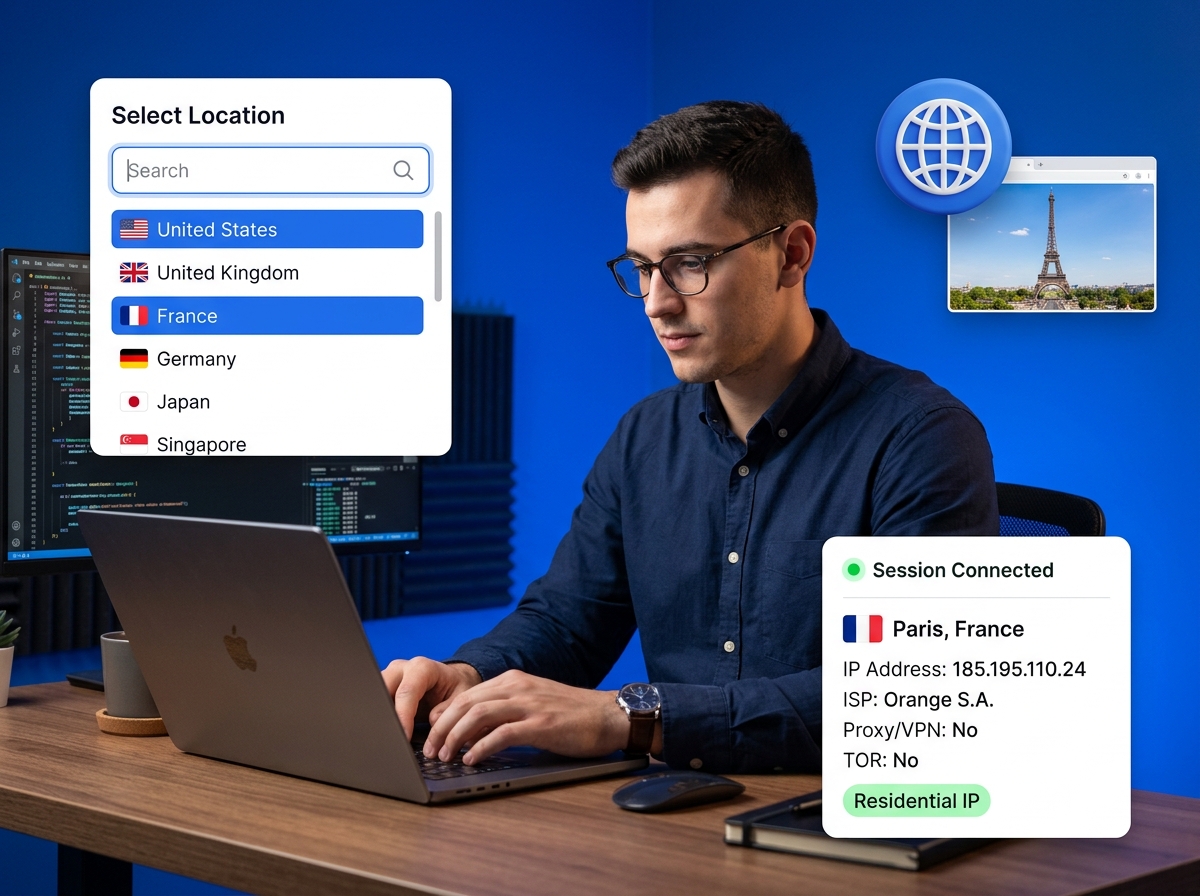
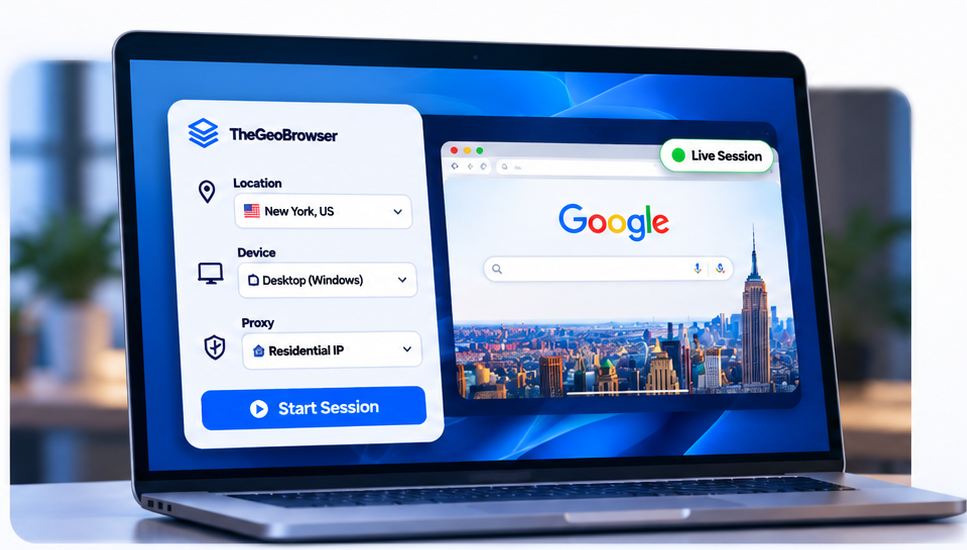
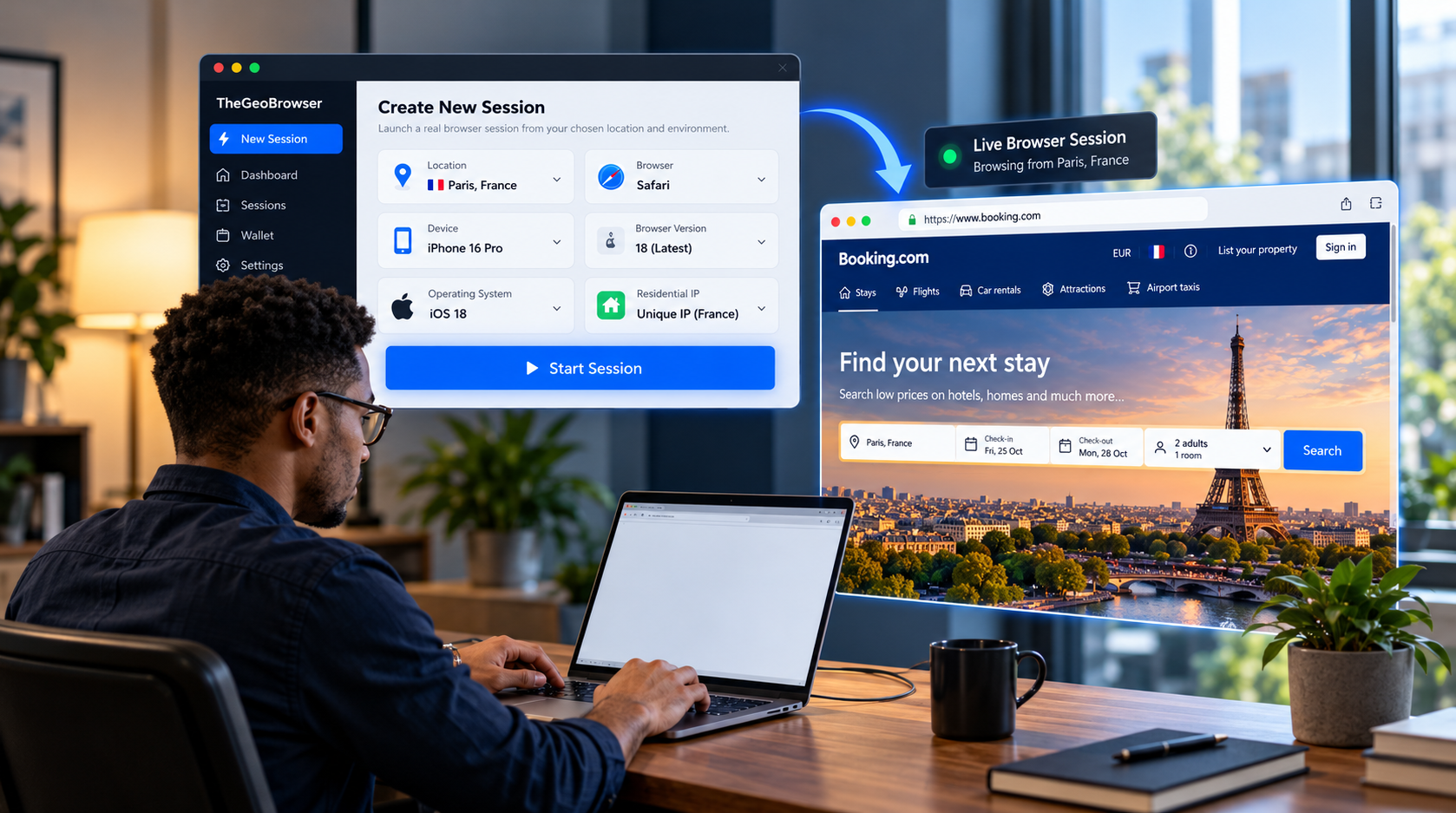
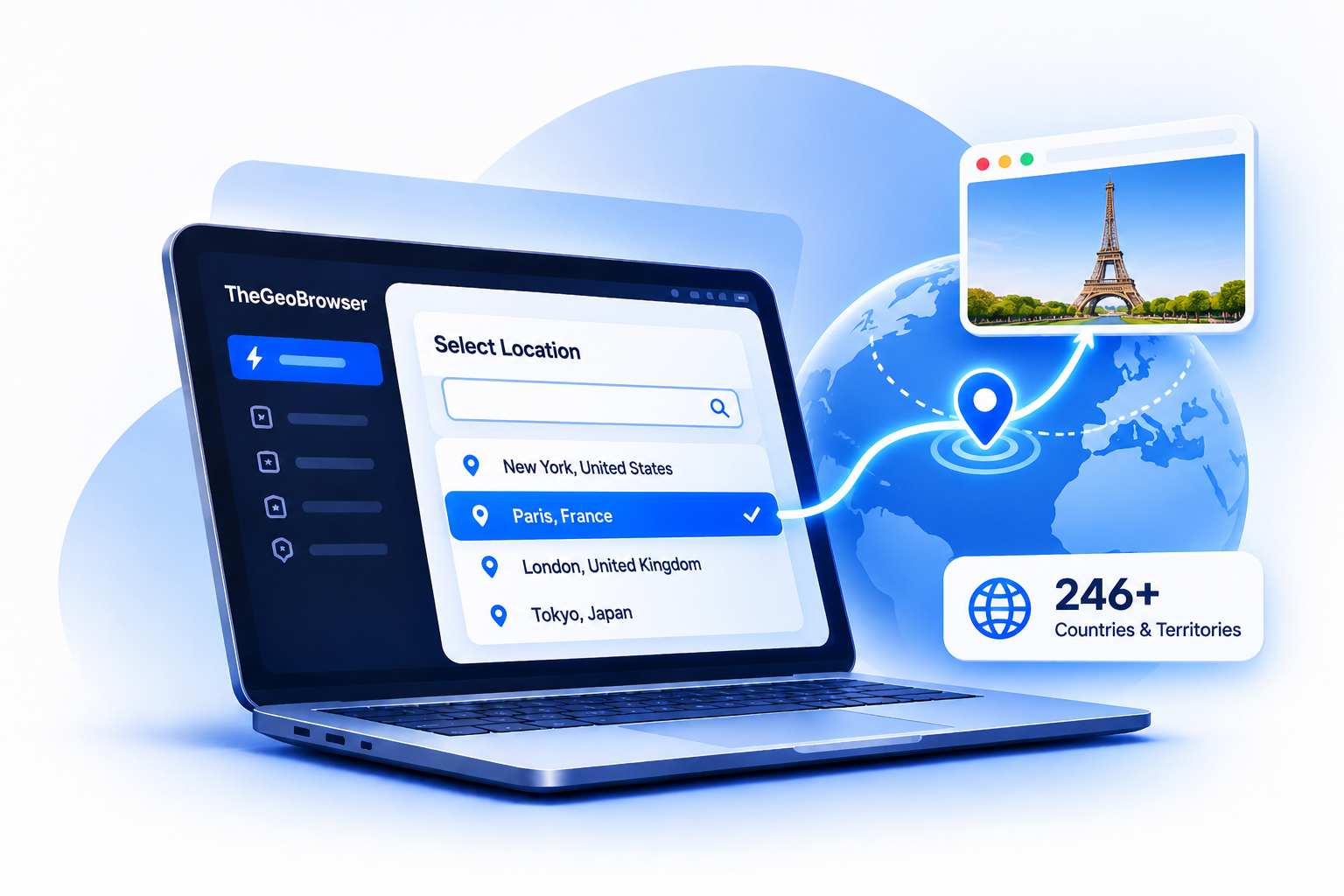
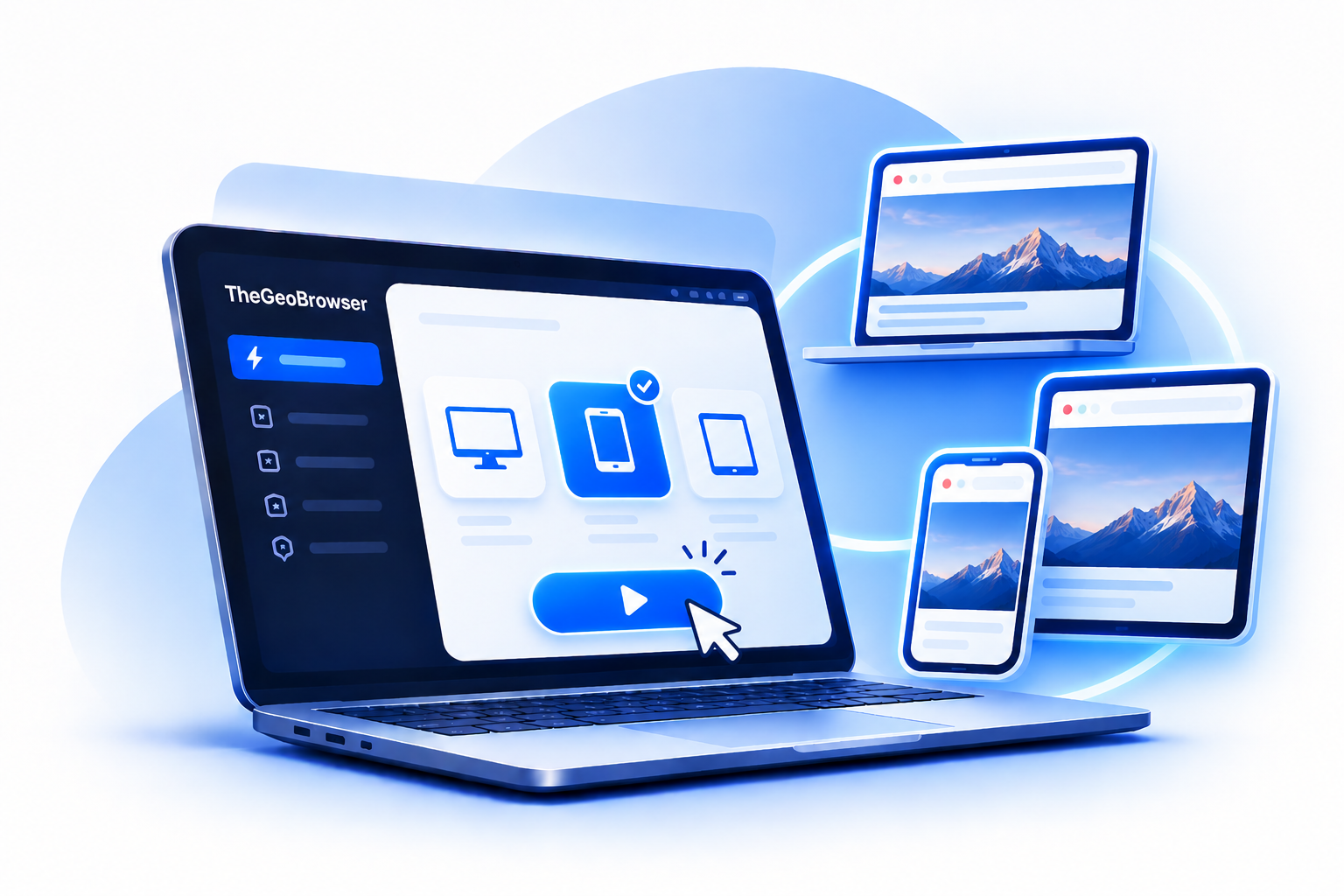
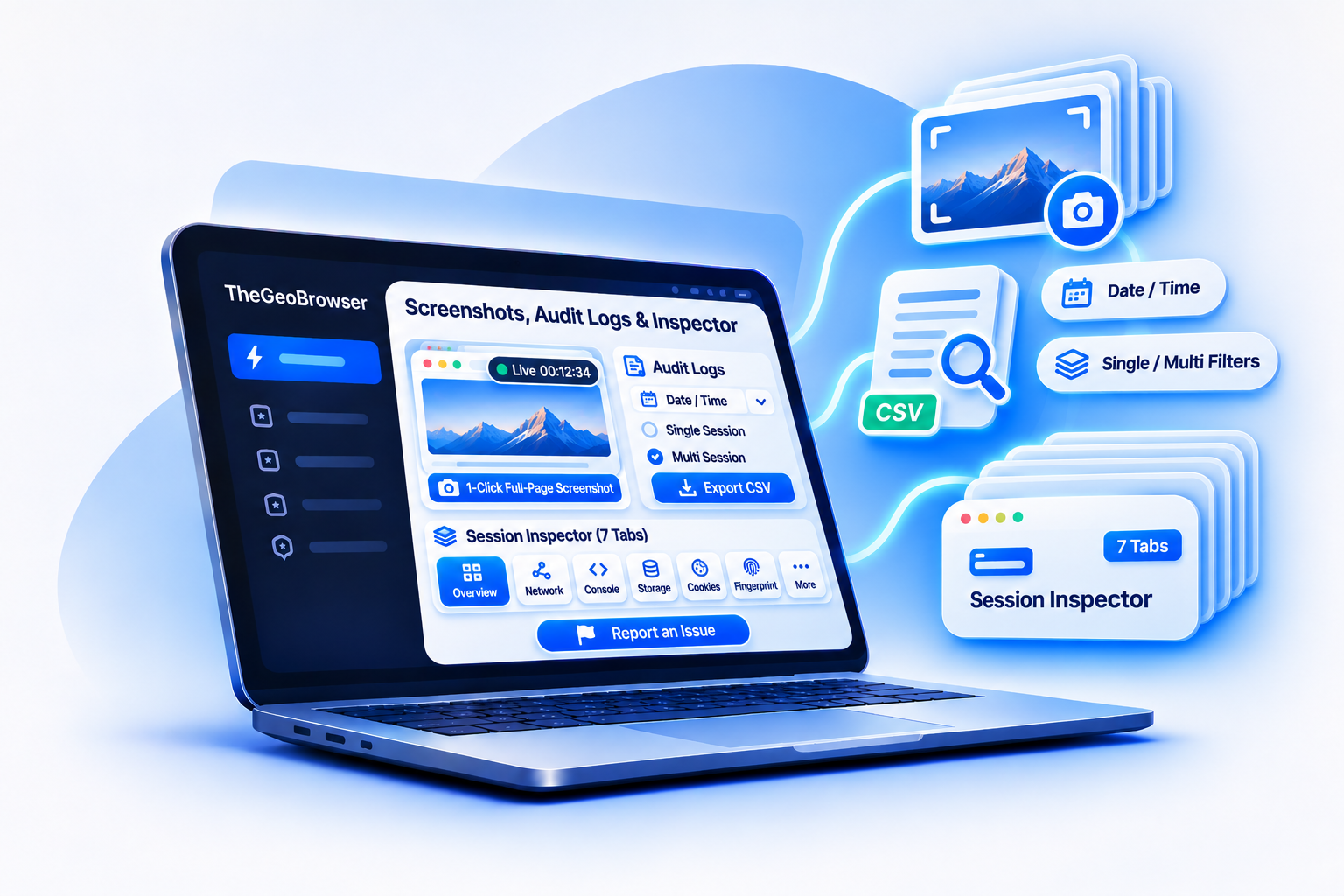
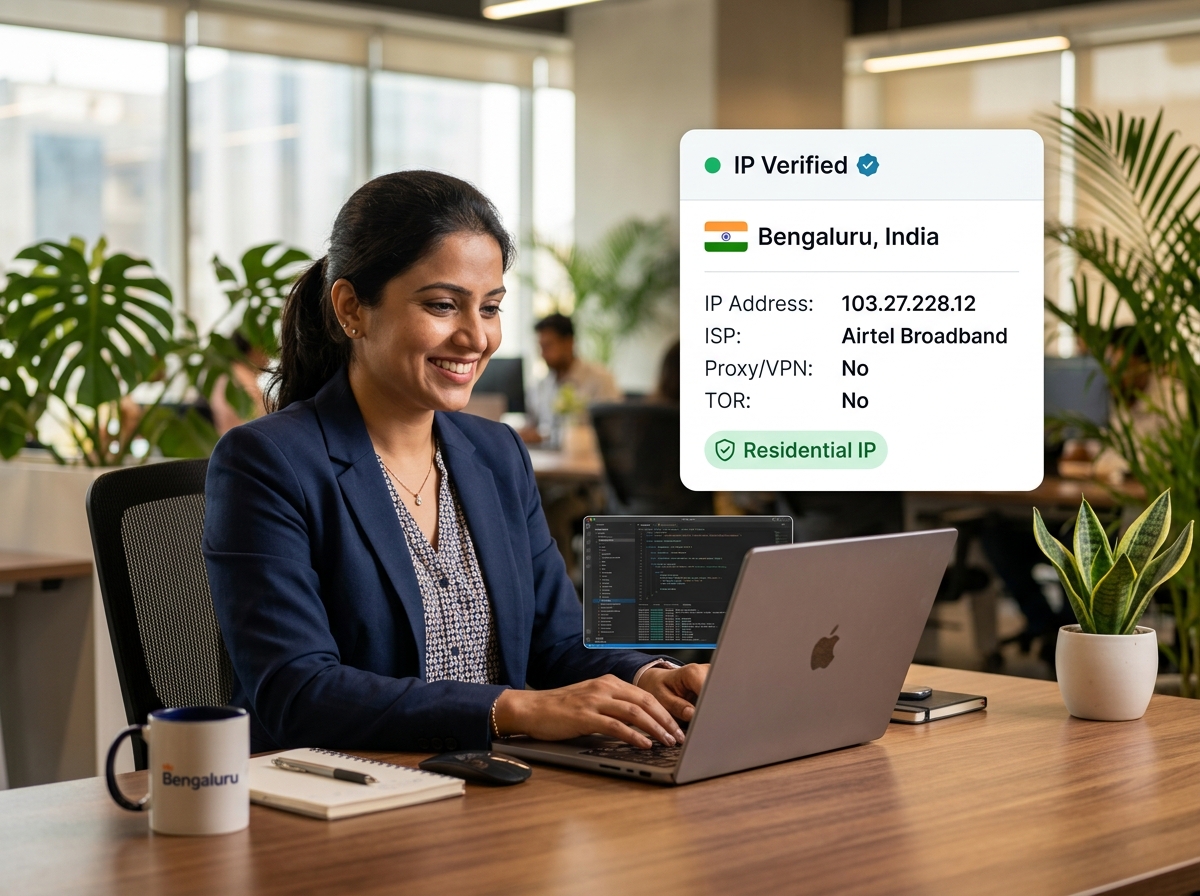
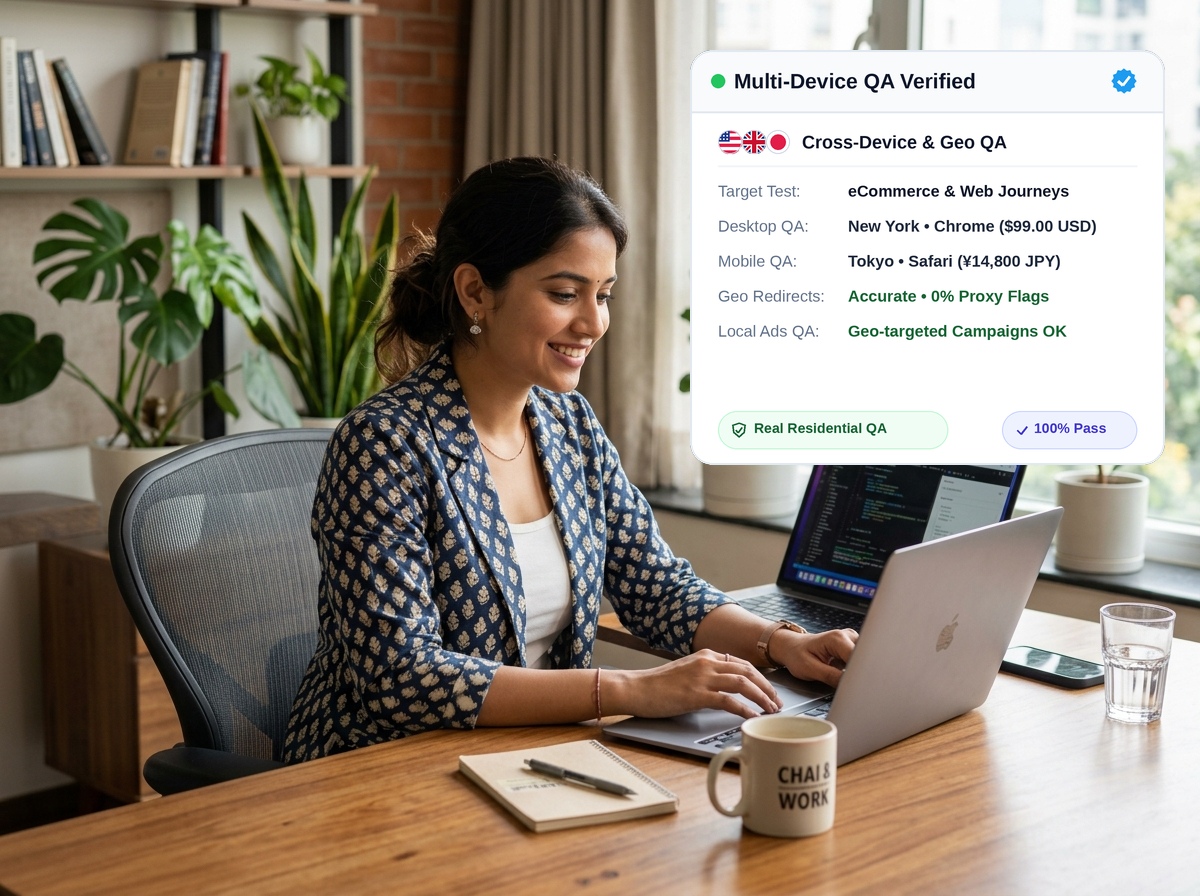
Choose a city anywhere in the world, select your desktop, mobile or tablet environment, and experience websites through residential IPs in isolated browser sessions.
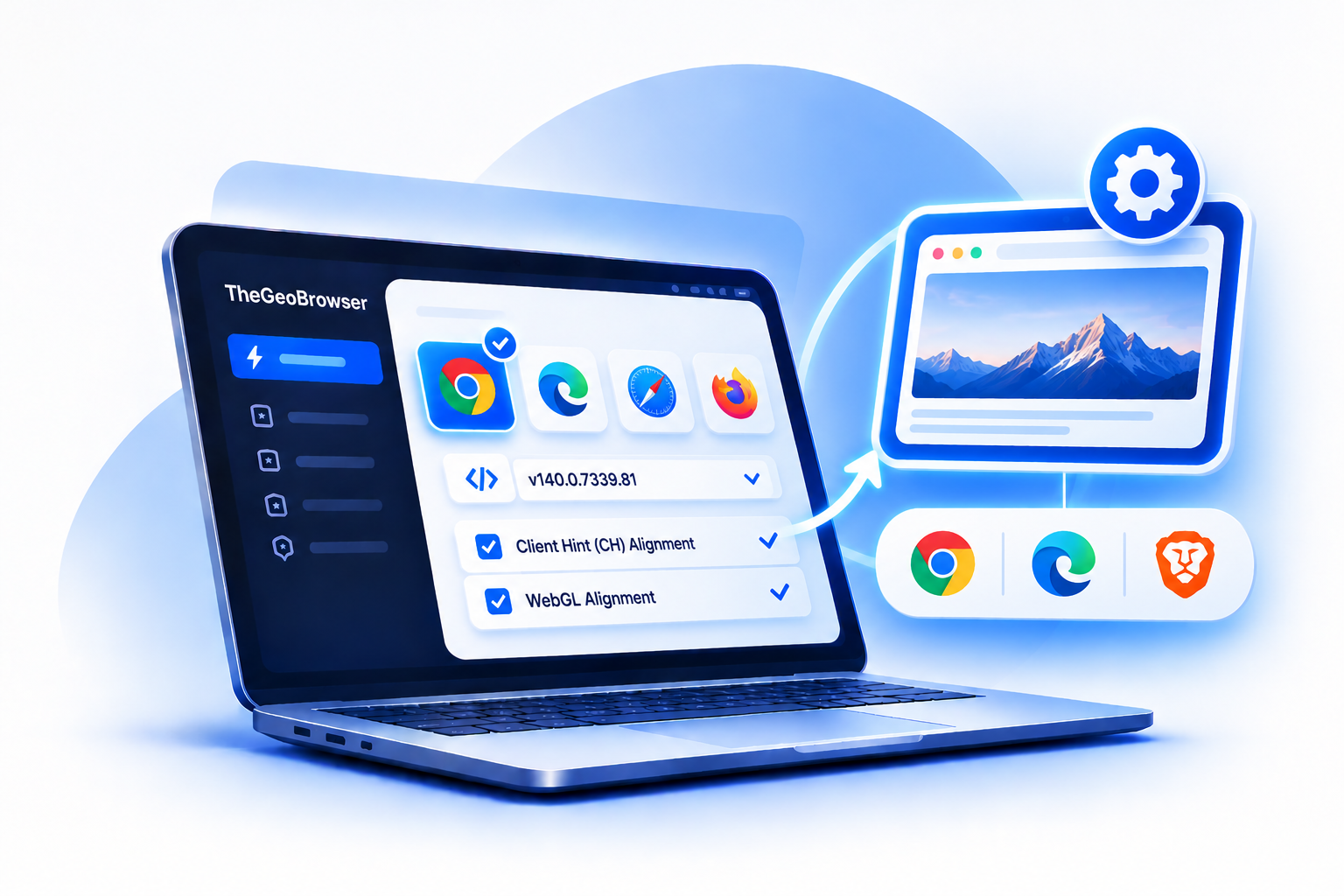
Emulate Chrome, Edge, Safari, and Firefox profiles & build versions locally on your Chromium-based browser (Chrome, Edge, or Brave) with Client Hint & WebGL alignment.
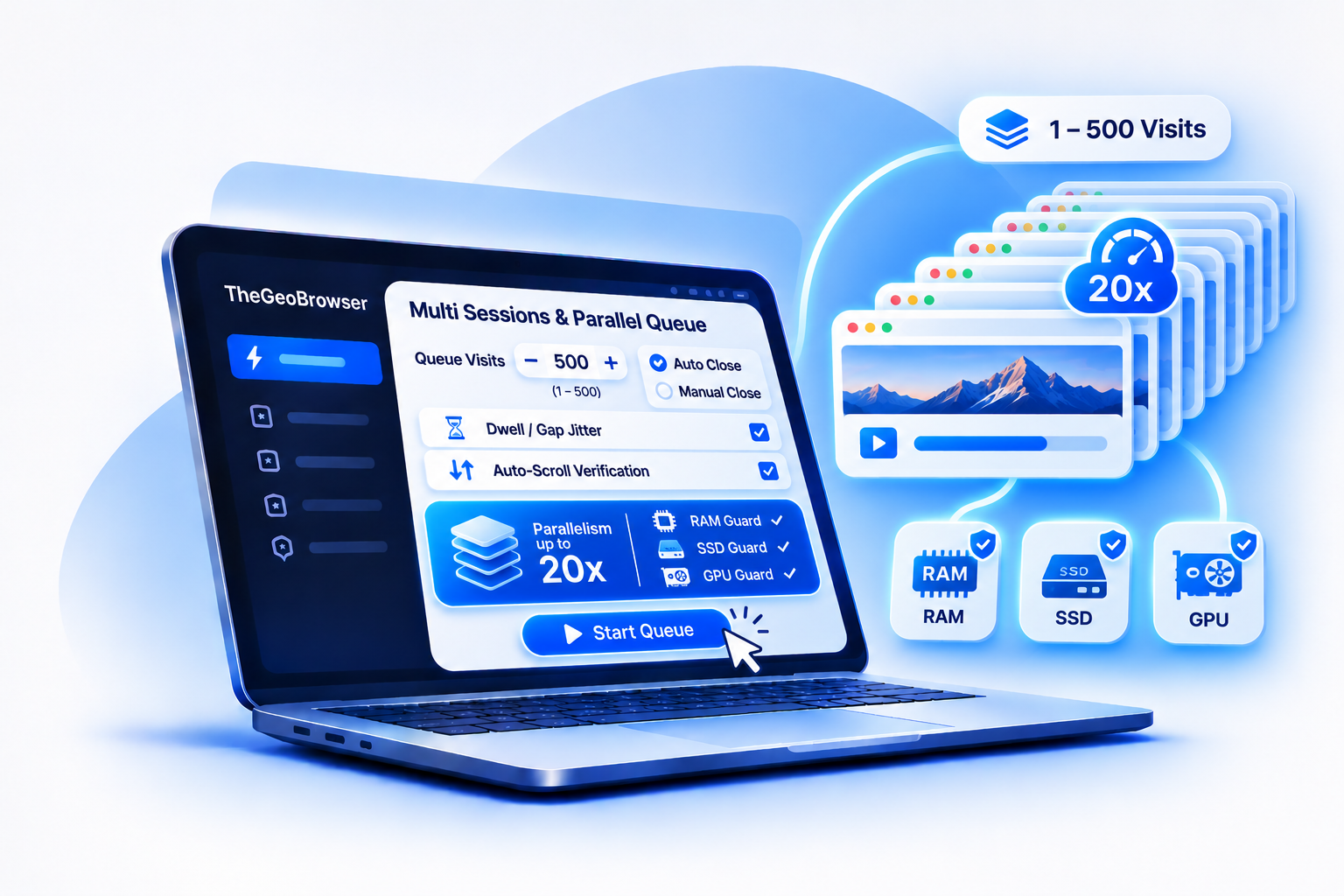
On BYOP Wallet, queue 1–500 visits with Auto Close or Manual Close, dwell/gap jitter, auto-scroll verification, and RAM/SSD/GPU-guarded parallelism up to 20x.
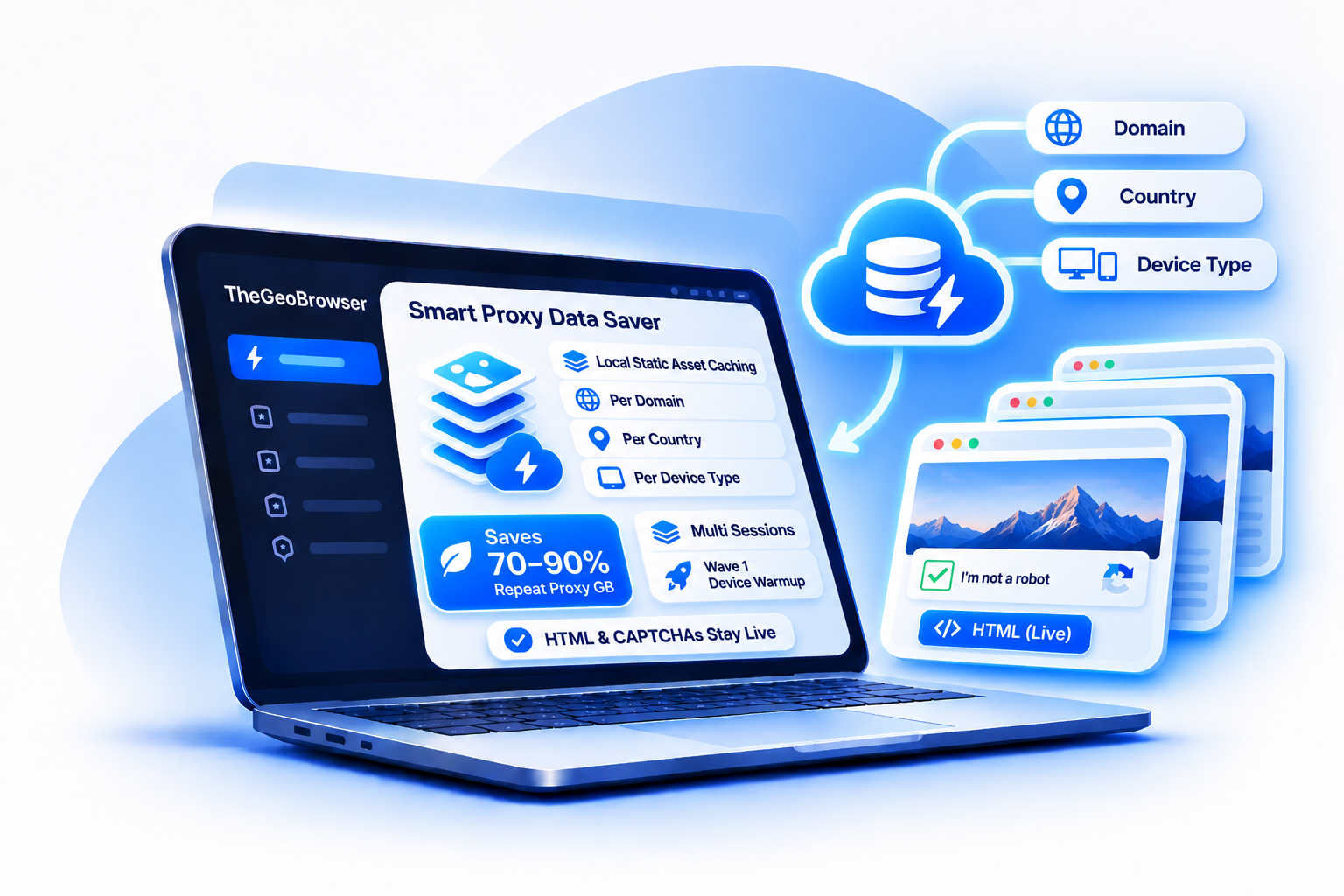
Saves 70–90% repeat proxy GB via local static asset caching per Domain + Country + Device Type—with Wave 1 device warmup in Multi Sessions while HTML & CAPTCHAs stay live.
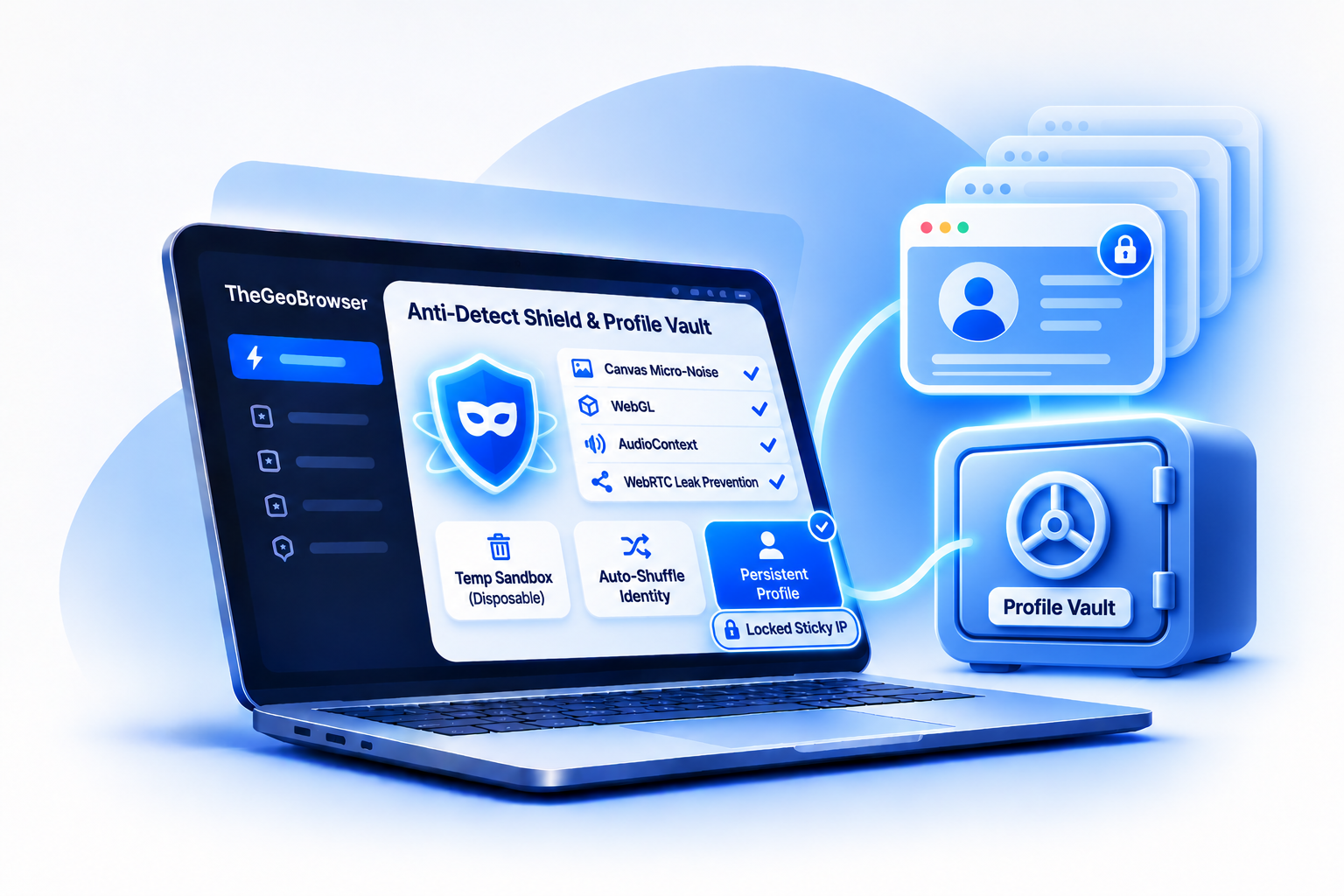
Every session runs inside a clean sandbox with synchronized GPS coordinates, timezone,
locale, WebRTC IP-leak protection, and local proxy credential isolation.
✓
Isolated per-session
sandboxes or opt-in persistent profiles
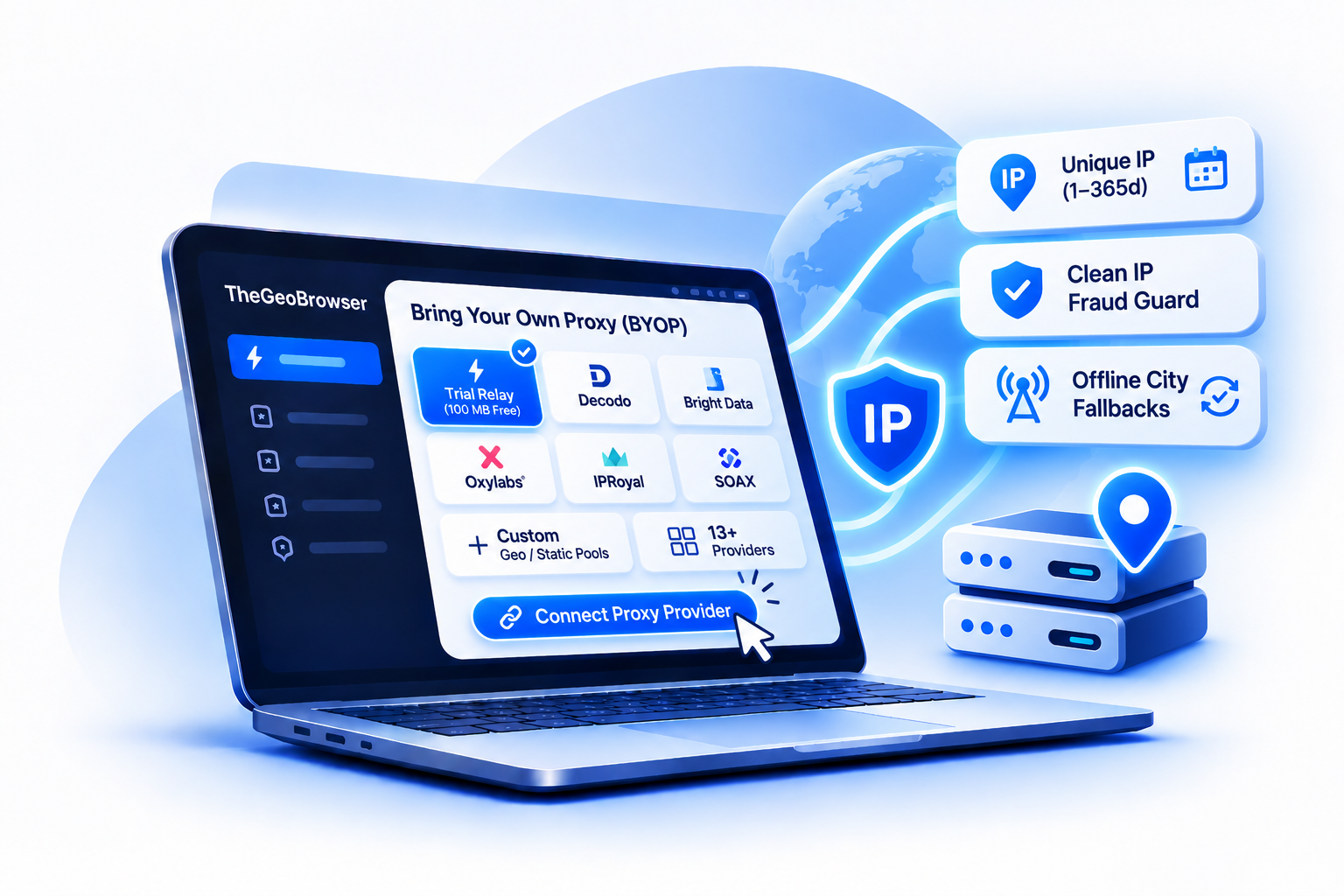
Test every geo, device, OS, and browser build risk-free with 100 MB one-time free managed proxy data — then recharge your Pay-As-You-Go Wallet and connect your own proxies (BYOP) at $0.0323/session. Top up only the credits you need.
TheGeoBrowser lets you launch isolated browser sessions on your installed Chrome, Edge,
or Brave browser—emulating city geolocation, device viewports (desktop, mobile, tablet),
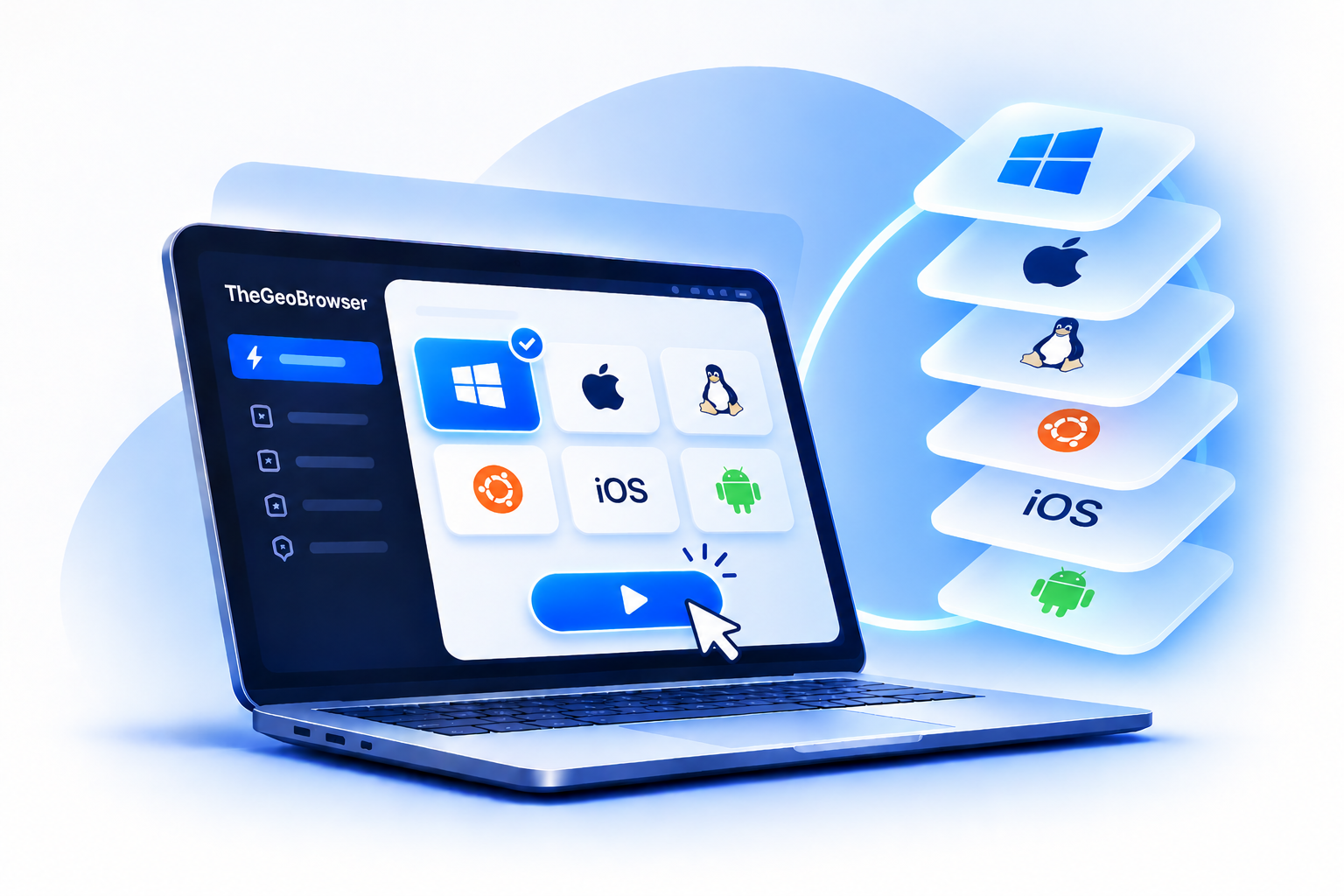
OS profiles (Windows, macOS, Linux, iOS, Android), and browser builds over Free Trial or
your own Pay-As-You-Go BYOP proxies.
Select specific cities across 246 countries. Traffic routes through authentic local
residential ISPs for exact geo-redirects, search results, and local pricing.
Each browser session launches in an isolated Chromium profile with synchronized timezone,
browser locale, GPS coordinates, viewport dimensions, and WebRTC IP-leak protection so
localized pages and ad previews render accurately for QA testing.
Yes. Choose Desktop, Mobile, or Tablet viewports, emulate Windows, macOS, Linux, iOS, or
Android OS profiles, and simulate Chrome, Edge, Safari, or Firefox profiles with aligned
Canvas, WebGL, AudioContext & Client Hints (all executed locally via Chromium/Chrome, Edge, or Brave—not native Gecko or WebKit).
Yes. On Free Trial, managed trial sessions share your 100 MB one-time free proxy allowance with no per-session cap. On Pay-As-You-Go BYOP, you connect your own residential/mobile HTTP, HTTPS, or SOCKS5 proxies
with sticky or per-session routing.
You can start completely free with our Free Trial (100 MB one-time free proxy data, with no per-session cap). When your team is ready to bring your own proxies, Pro is ₹3/session PAYG
and top up your Pay-As-You-Go Wallet anytime (starting at ₹999 / ~$10.74) with free team collaboration inside the Desktop App.
Not for getting started. Every account includes our Free Trial with 100 MB of one-time free proxy data (no per-session cap) with no external proxy required. Once you upgrade
to your Pay-As-You-Go Wallet (₹3/session in India or exact USD equivalent internationally, with zero monthly subscription), TheGeoBrowser uses a Bring Your
Own Proxy (BYOP) model: connect your existing Decodo, Bright Data, or any standard HTTP,
HTTPS, or SOCKS5 residential proxy directly inside the Desktop App with zero bandwidth markup.
No. Workspace Admins store proxy host and credentials encrypted at rest using AES-256-CBC.
When an invited Operator launches a session, the Desktop App authenticates via a
local 127.0.0.1 loopback relay so teammates never view, copy, or export raw proxy passwords.
Free Trial allows 1 active session at a time, while BYOP Pay-As-You-Go workspaces also unlock Multi Sessions batching and parallel concurrency up to 20x.
See the web
differently.
Simulate authentic user visits from any city, device, OS, and browser version. Start with 100 MB
one-time free proxy data, or bring your own Decodo, Bright Data, or HTTP/HTTPS/SOCKS5
proxy on Pro.
What You Need to Get Started
✓Windows 10/11 PC via Microsoft Store (macOS & Linux coming soon)
✓Locally installed Chrome, Edge, or Brave for isolated real-browser sessions
✓LinkedIn sign-in + BYOP proxy for Pro(100 MB one-time free proxy data included)
“Instead of maintaining separate cloud VMs per market, our ad-ops team inspects geo-fenced campaigns in Dallas, Toronto, and London in under 15 seconds.”
MV
Marcus Vance
Head of Ad Operations
E-Commerce QA
Berlin, DE · Mobile Safari
“Verifying localized VAT, currency switches, and regional checkout gateways used to take half a sprint. Now QA checks every storefront directly from desktop.”
ER
Elena Rostova
Senior QA Lead
Local SERP Audits
Austin, US · Windows 11 Chrome
“With our own residential proxy pool connected on Pay-As-You-Go BYOP, local map packs and regional search results render identically to an end user in that city.”
TM
Tariq Mansoor
Technical SEO Director
Brand Protection
Mumbai, IN · Android Chrome
“Keeping proxy credentials off Chrome and inside a local loopback relay gave our security review team the clean isolation policy they wanted.”
PS
Priya Sharma
Trust & Brand Compliance
Fare & Pricing QA
Singapore, SG · macOS Chrome
“We check regional airline and hotel pricing permutations across APAC and EU markets from one workspace without leaking previous session cookies.”
DK
David Kim
Revenue Analytics Lead
Web App Release QA
London, UK · Edge Desktop
“Every team seat stays strictly synced to our proxy concurrency limits, so engineers never collide on shared test IPs during release day.”